
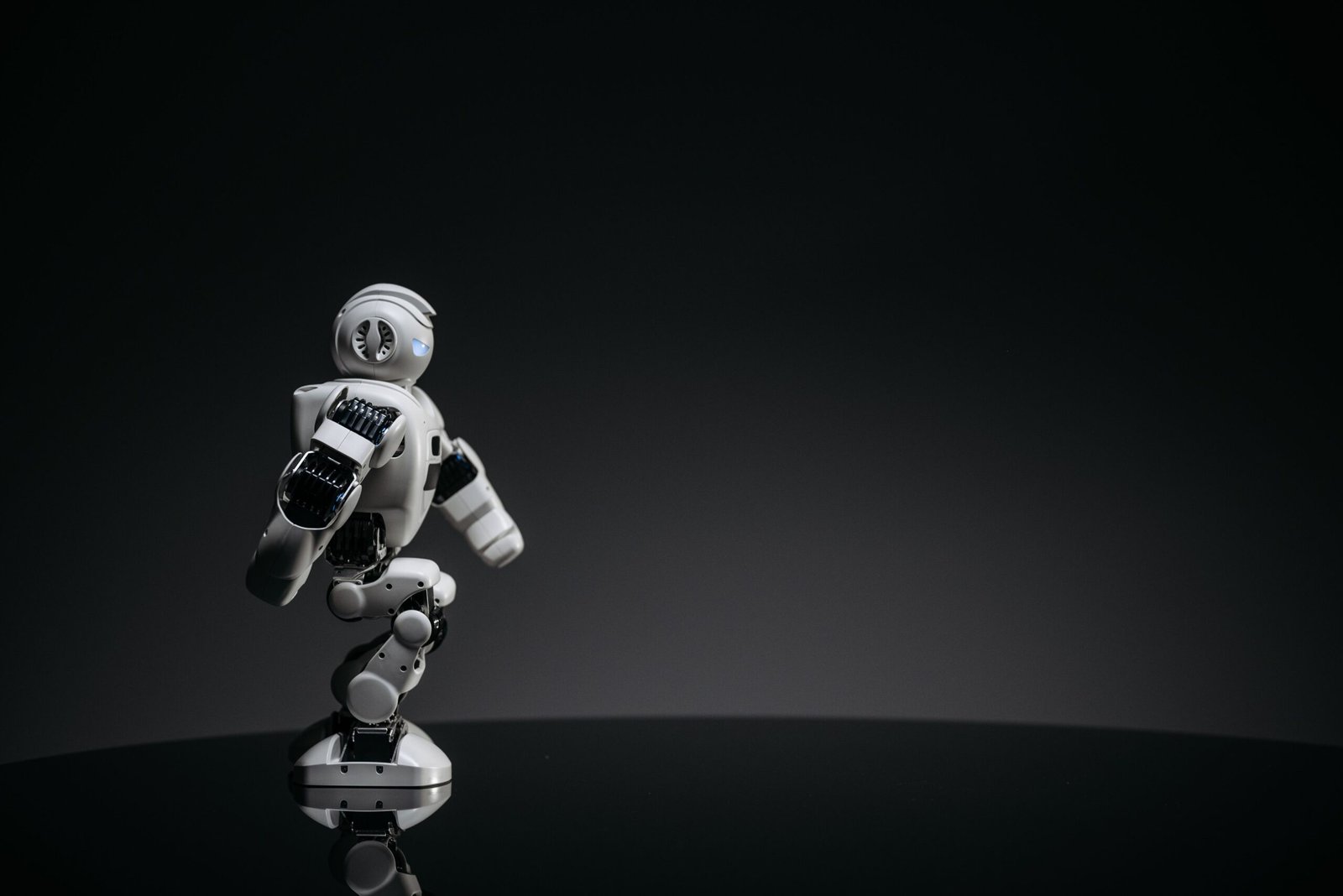
Artificial intelligence is changing the way people create digital content, and 3D modeling is one area experiencing significant development. Designers
Artificial intelligence is changing the way people create digital content, and 3D modeling is one area experiencing significant development. Designers, artists, game developers, and 3D printing enthusiasts are looking for easier ways to turn their ideas into detailed digital objects. Hi3D V3.0 is an AI-powered 3D creation technology designed to transform images into three-dimensional models with detailed geometry and realistic textures. By reducing some of the manual work involved in traditional modeling, it can help creators explore ideas, develop prototypes, and prepare digital assets for different applications. citeturn490150search0turn490150search2
What Is Hi3D V3.0?
Hi3D V3.0 is part of the Hi3D AI 3D creation platform developed by Math Magic. The platform uses AI models to generate three-dimensional objects from reference images. According to its official documentation, the v3.0 general model supports 2048³ resolution options, while the platform also provides different generation workflows and export formats for various creative tasks. citeturn490150search0
Traditional 3D modeling often involves building shapes, adjusting surfaces, applying materials, and refining details manually. AI-based generation can automate parts of this process, allowing users to begin with an image rather than creating an object entirely from scratch. The generated model may still require editing, depending on the project’s complexity and intended use.
How Does Hi3D V3.0 Work?
The process generally begins with uploading a clear image of the object a user wants to recreate. The AI analyzes visible shapes, proportions, surface details, and other visual information to estimate the object’s three-dimensional structure. It then generates a digital model based on the image and the selected settings.
Once the model is ready, users can review the result and export it into a compatible format for additional editing or further production. The official platform supports formats such as OBJ, GLB, STL, FBX, USDZ, and 3MF for relevant image-to-3D workflows. citeturn490150search1
Image quality can influence the result. Clear lighting, a visible subject, and minimal obstruction can help the AI interpret the object. If important details are hidden in the original image, the system may need to estimate those areas rather than reproduce them exactly.
Key Features of Hi3D V3.0
One of the main features of Hi3D V3.0 is its high-resolution geometry generation. The platform describes its v3.0 model as supporting 2048³ geometry resolution and texture output up to 8K. These capabilities are intended to preserve smaller structural details and surface patterns in generated models. citeturn490150search8turn490150search11
Another feature is image-to-3D generation, which helps users convert visual references into digital objects. The wider Hi3D platform also includes multi-view generation, model splitting, multicolor model workflows, and different export options. The availability of individual functions depends on the selected workflow and model configuration.
These features can be useful for people who need a starting point for digital design, product visualization, character creation, or physical model production.
Benefits for Designers and Content Creators

Hi3D V3.0
AI-based 3D modeling can reduce the time needed to create an initial model. Instead of constructing every surface manually, users can generate a preliminary version from an image and refine it afterward. This can make experimentation easier, particularly for independent designers and small creative teams.
Another benefit is accessibility. Beginners who do not have extensive experience with professional 3D software can explore modeling through a more straightforward image-based workflow. Experienced artists may also use generated models as references or starting assets for more detailed work.
For businesses, faster prototyping can support product presentations and early design discussions. A generated model can help teams visualize an idea before investing time in a fully refined production model.
Practical Applications of AI 3D Modeling
AI-generated models can support several industries. In 3D printing, users can convert visual concepts into digital models and prepare compatible files for slicing software. However, the geometry should be checked before printing to ensure that dimensions and structural details are suitable.
Game developers and digital artists can use AI-generated assets for concept development, character exploration, props, and virtual environments. Designers may also use them to create product mockups, decorative objects, and presentation materials.
Education is another potential application. Three-dimensional representations can help students understand the shape and structure of objects that may be difficult to visualize from flat images alone. The platform’s documented use cases include 3D printing, game development, film production, creative design, and education. citeturn490150search0
Limitations and Important Considerations
Although Hi3D V3.0 offers advanced generation capabilities, AI-generated models are not guaranteed to be perfect. Complex geometry, hidden surfaces, thin structures, and intricate patterns may require additional inspection or manual refinement.
A model that looks convincing in a preview may still need adjustments before it can be used in a game engine, animation project, or manufacturing workflow. Users should check mesh quality, proportions, textures, and compatibility with their chosen software.
It is also important to consider processing costs, available usage limits, and licensing conditions. Before using generated assets commercially, review the platform’s current terms and ensure that any reference images are owned by the user or used with appropriate permission.
Conclusion
Hi3D V3.0 demonstrates how artificial intelligence can make 3D modeling more accessible by turning image references into detailed digital objects. Its high-resolution geometry options, texture capabilities, and support for multiple export formats can help creators explore ideas and develop assets for different projects.
However, the final quality depends on the input image, selected settings, and intended application. By reviewing generated models carefully and making refinements where necessary, users can incorporate AI-assisted modeling into their creative workflows while maintaining control over the finished result.
FAQs
What is Hi3D V3.0 used for?
It is used to generate 3D models from images for applications such as digital design, 3D printing, game development, and creative projects.
Can beginners use Hi3D V3.0?
Yes. Image-based generation can make 3D creation more approachable for beginners, although some projects may still require editing skills.
Which file formats does Hi3D support?
Depending on the workflow, supported formats include OBJ, GLB, STL, FBX, USDZ, and 3MF. Check the official documentation for the formats available for a specific task.
Can AI-generated models be used for 3D printing?
Yes, but users should inspect the model, check its dimensions, and confirm that the mesh is suitable for their printing process before producing a physical object.
Does AI eliminate the need for manual 3D modeling?
No. AI can reduce some initial modeling work, but detailed projects may still require manual corrections, optimization, and finishing.

COMMENTS